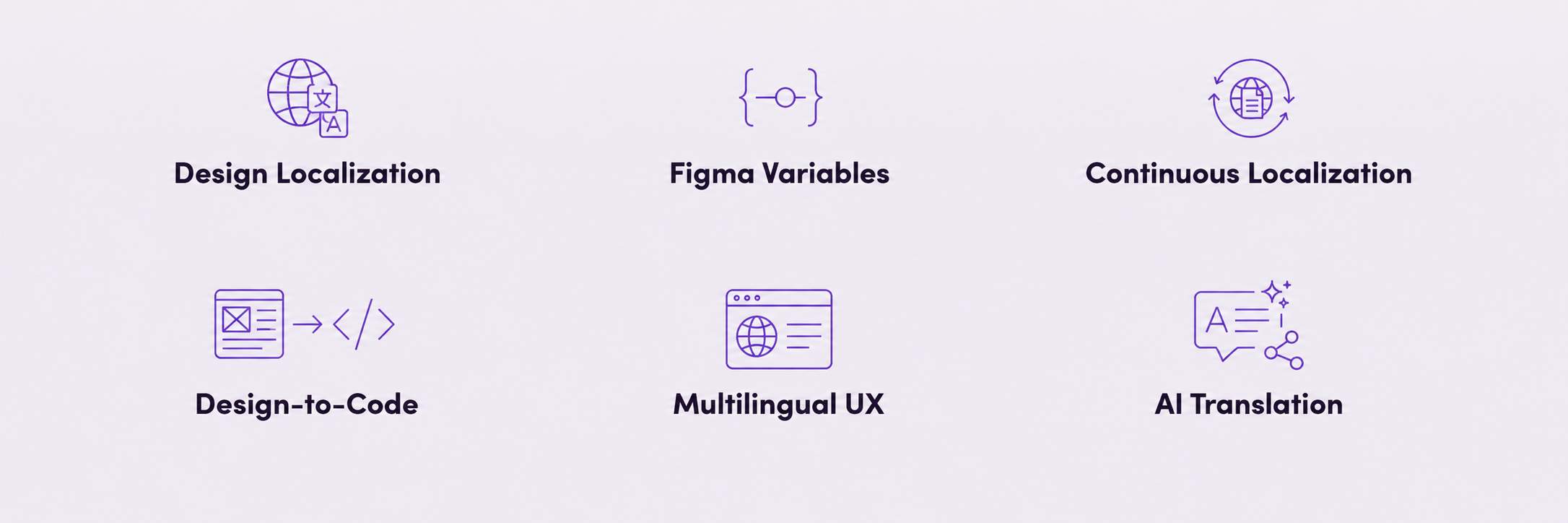
Blackbird turns Figma localization into a continuous workflow — automatically triggering translation, terminology checks, QA, human review, and synchronization across your TMS, AI stack, and code repositories, then writing localized content back into Figma.
Your designers shouldn’t have to trigger localization.

Lorem ipsum dolor sit amet, consectetur adipiscing elit. Suspendisse tincidunt sagittis eros. Quisque quis euismod lorem. Etiam sodales ac felis id interdum. Proin viverra nulla sem, vel molestie lacus volutpat nec. Integer ut bibendum erat.
Start for free
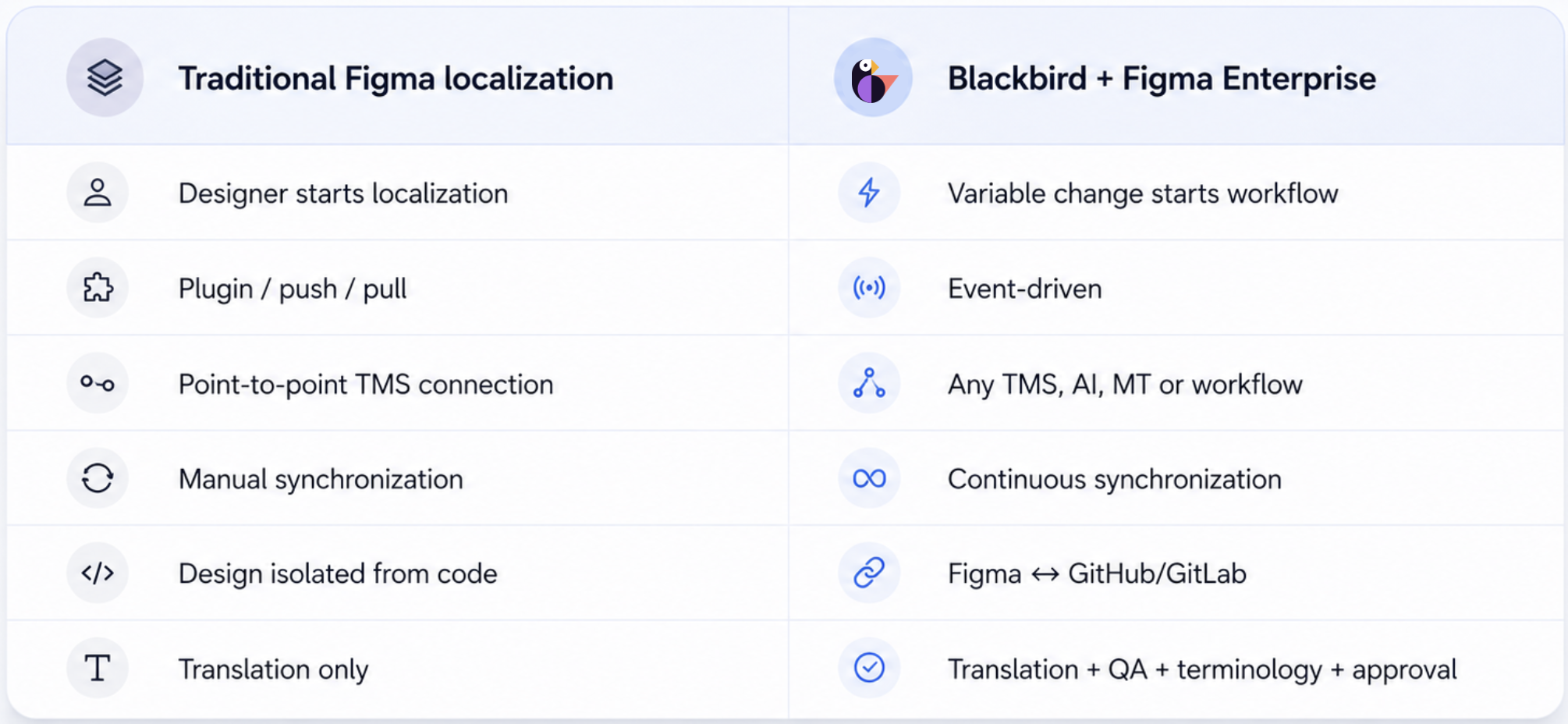
Figma is where product experiences take shape — including much of the copy users eventually see. Blackbird connects Figma Variables with your localization ecosystem, allowing design content to move automatically between Figma, AI models, translation systems, Blacklake, code repositories, and human reviewers.Instead of exporting copy manually or translating designs outside the product workflow, teams can treat Figma Variables as structured localization content. Blackbird can detect changes, extract variables, run them through your preferred translation process, and write translated values back to the appropriate language modes.


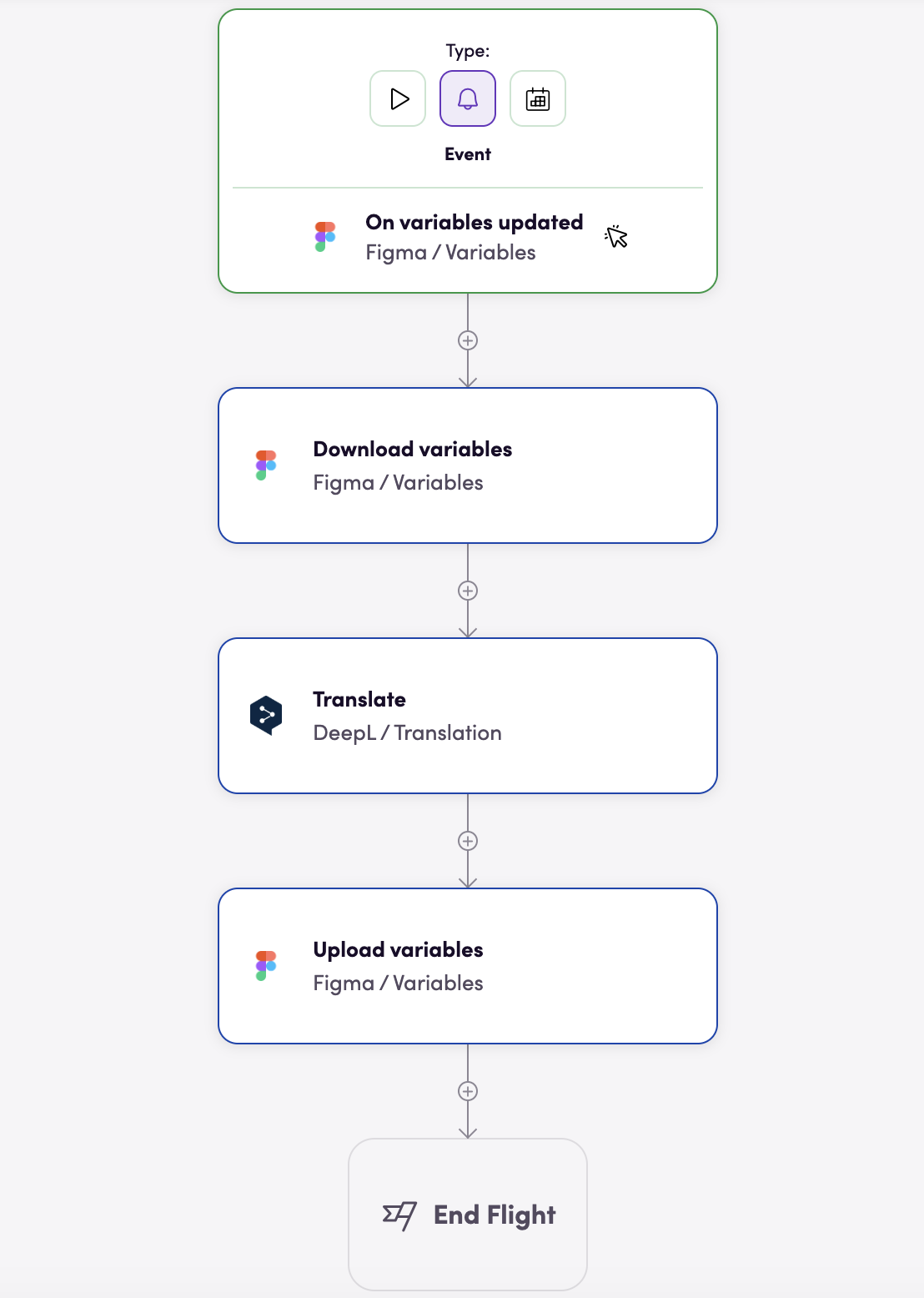
When designers update source-language variables, Blackbird can detect the change, download the content, translate it, and upload the localized values back to Figma.
Connect Figma Variables with repositories such as GitHub or GitLab so product copy does not have to live in separate disconnected workflows.
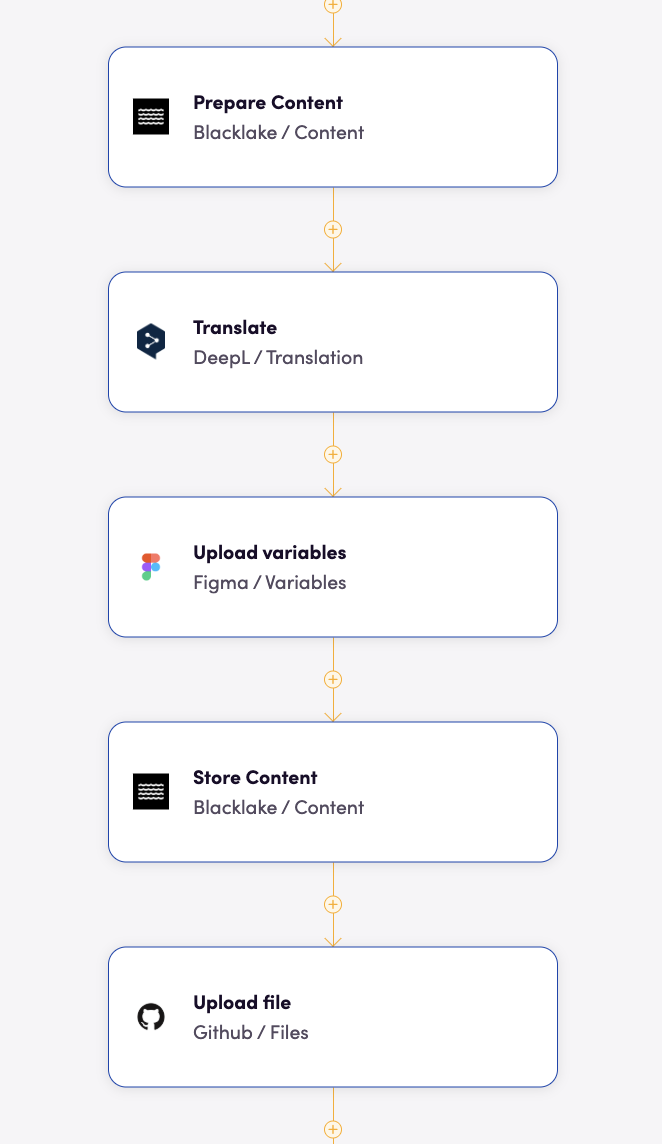
Move localization earlier in the product lifecycle. Designers can work with source-language variables while Blackbird continuously orchestrates translation and synchronization behind the scenes.
Turn Figma Variables into structured, automatable localization content. Translate design copy as it changes, synchronize strings with your product repositories, apply terminology and quality controls, and bring localization directly into the design process.